Computer under the stairs

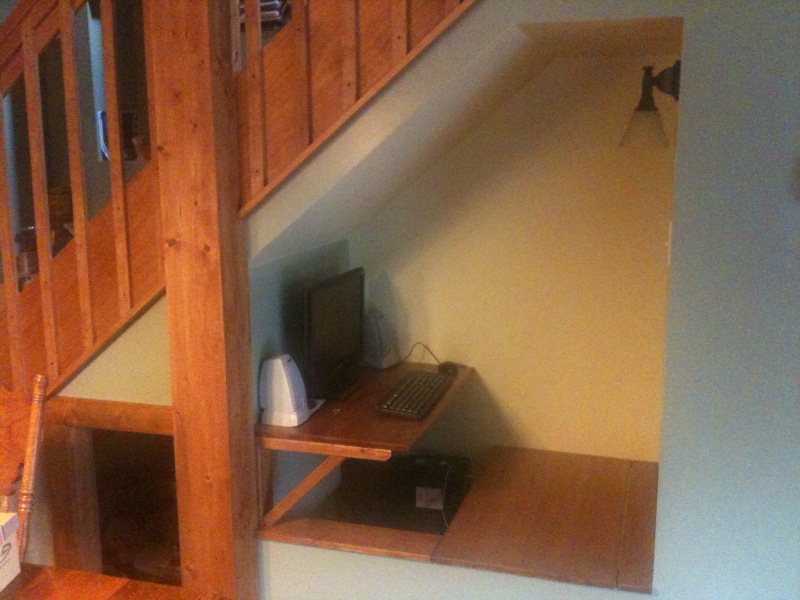
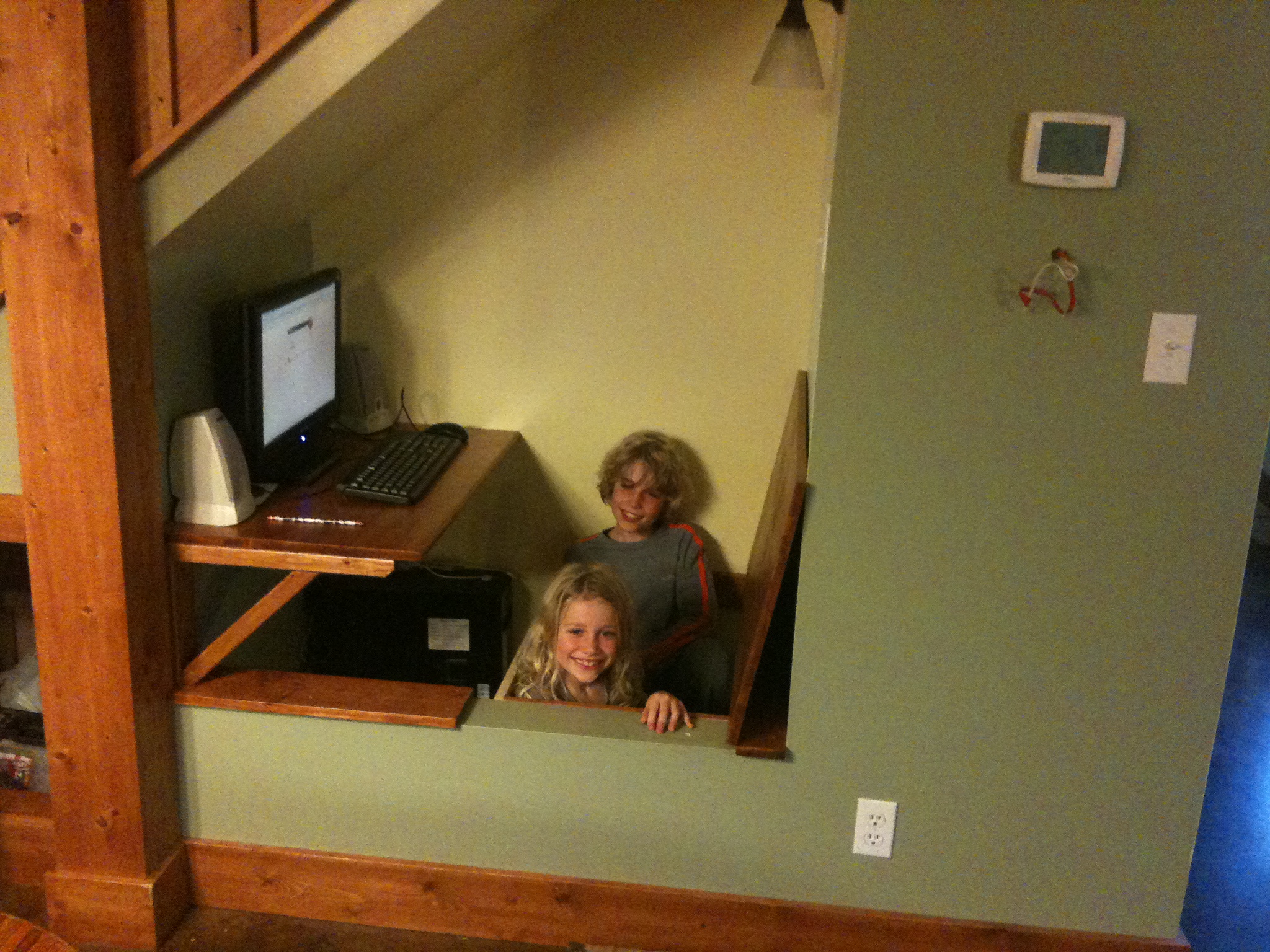
Karen and I (yes, mostly Karen) finished a built-in bench and computer desk in the space under the stairs.  The bench is hinged to create a storage area underneath.  

Pictures: 
Computer Desk
Sean at the desk
Daniel and Alec emerge from under the bench

Hiking on Harper Creek

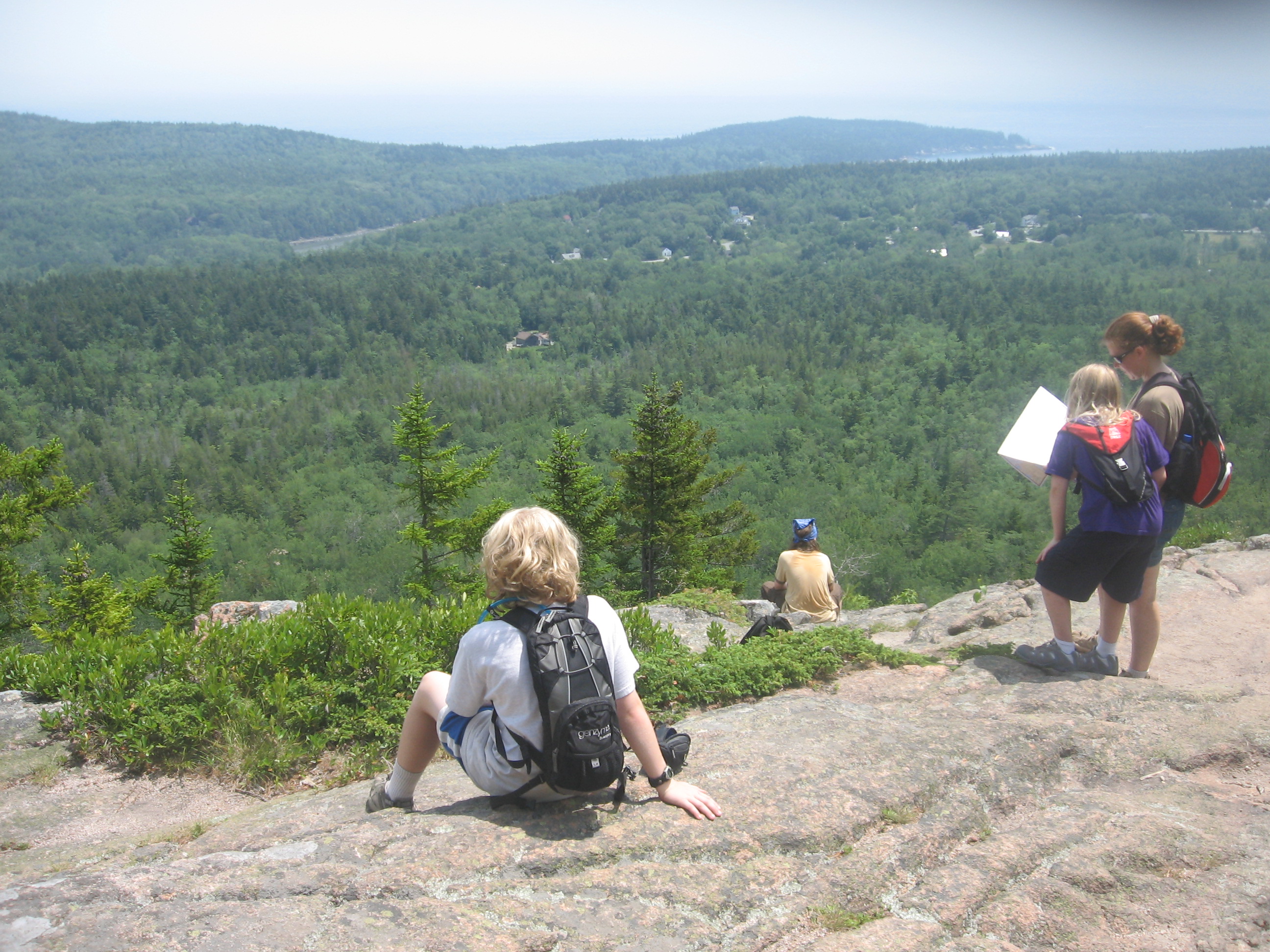
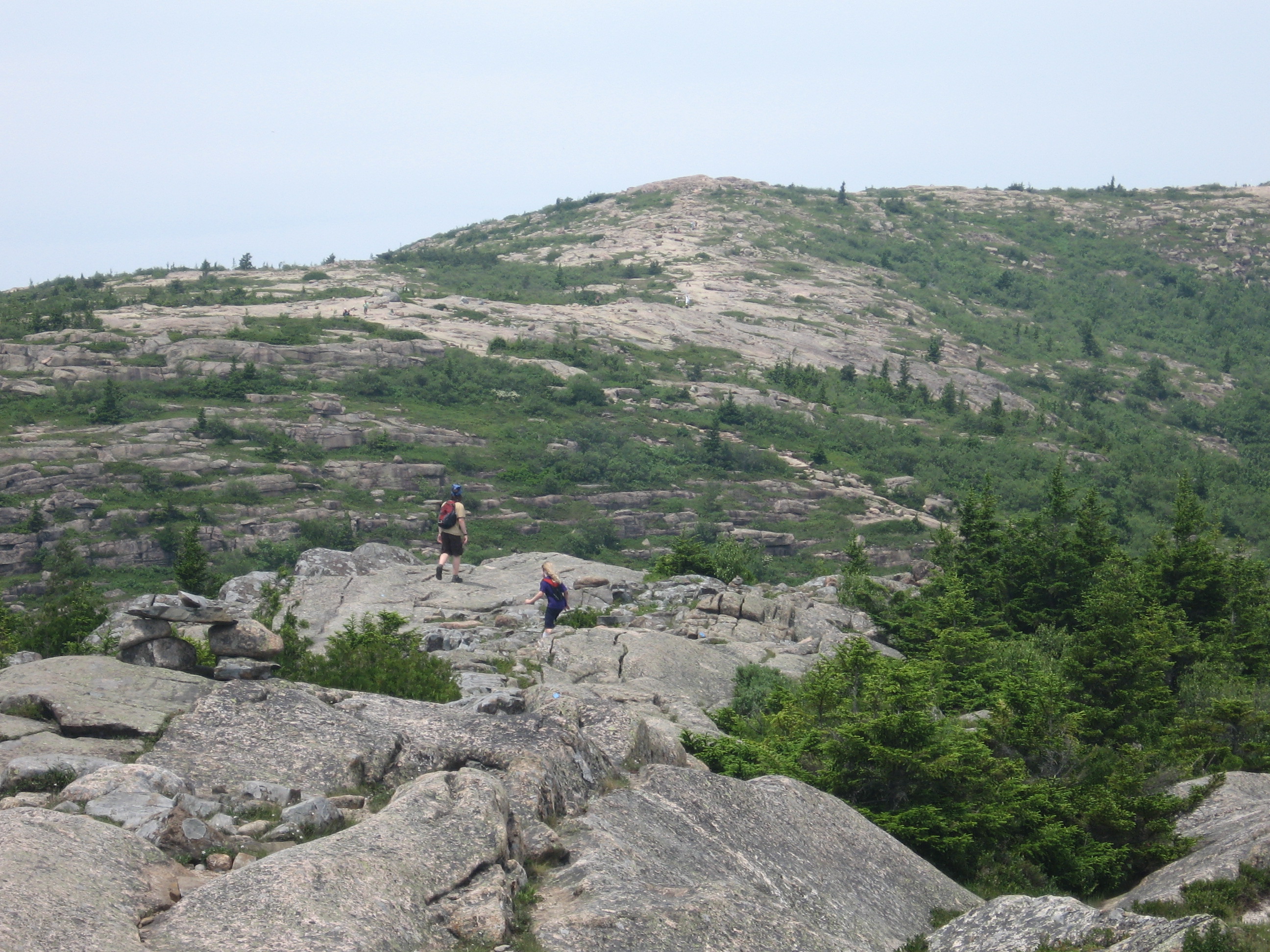
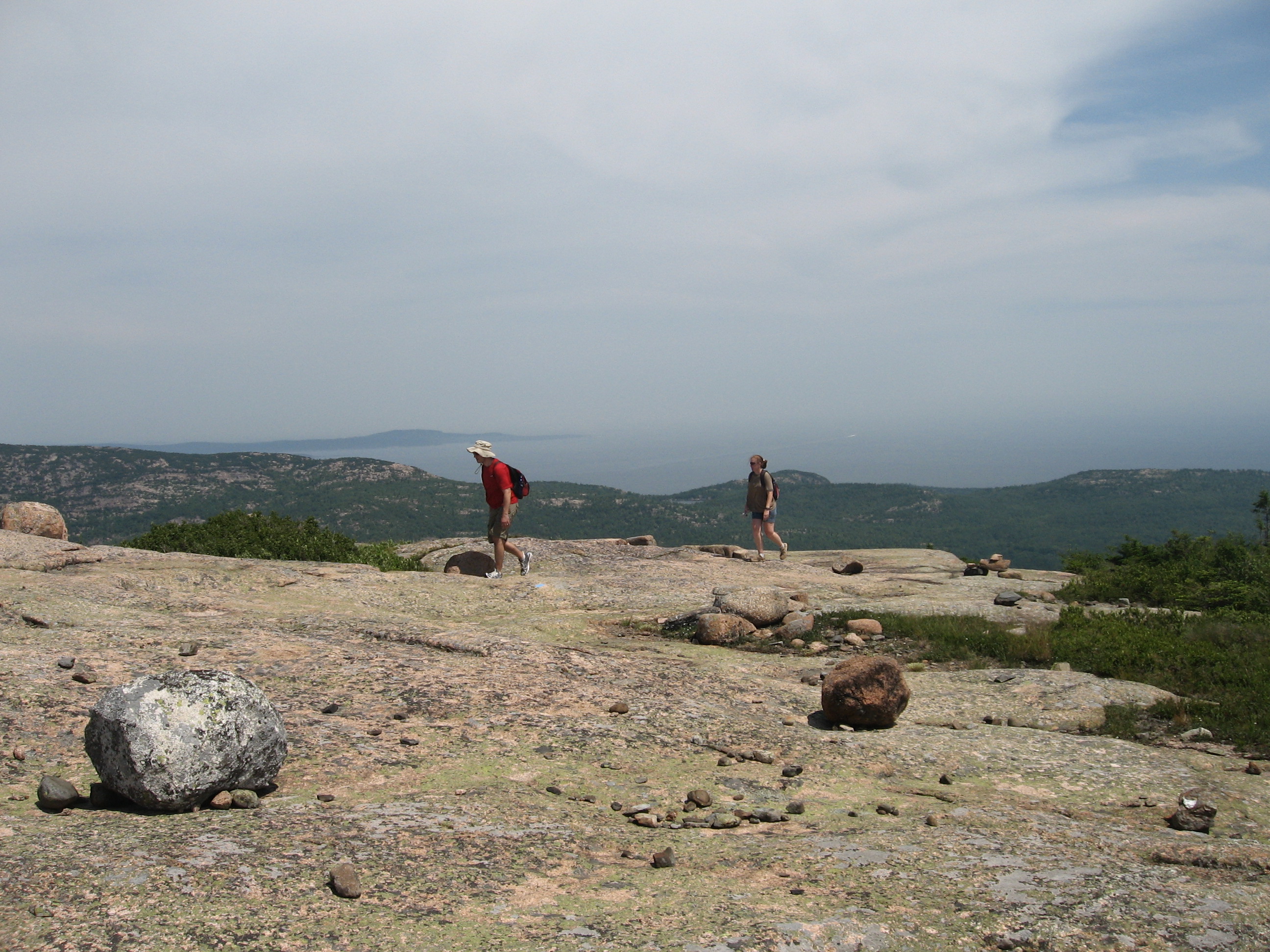
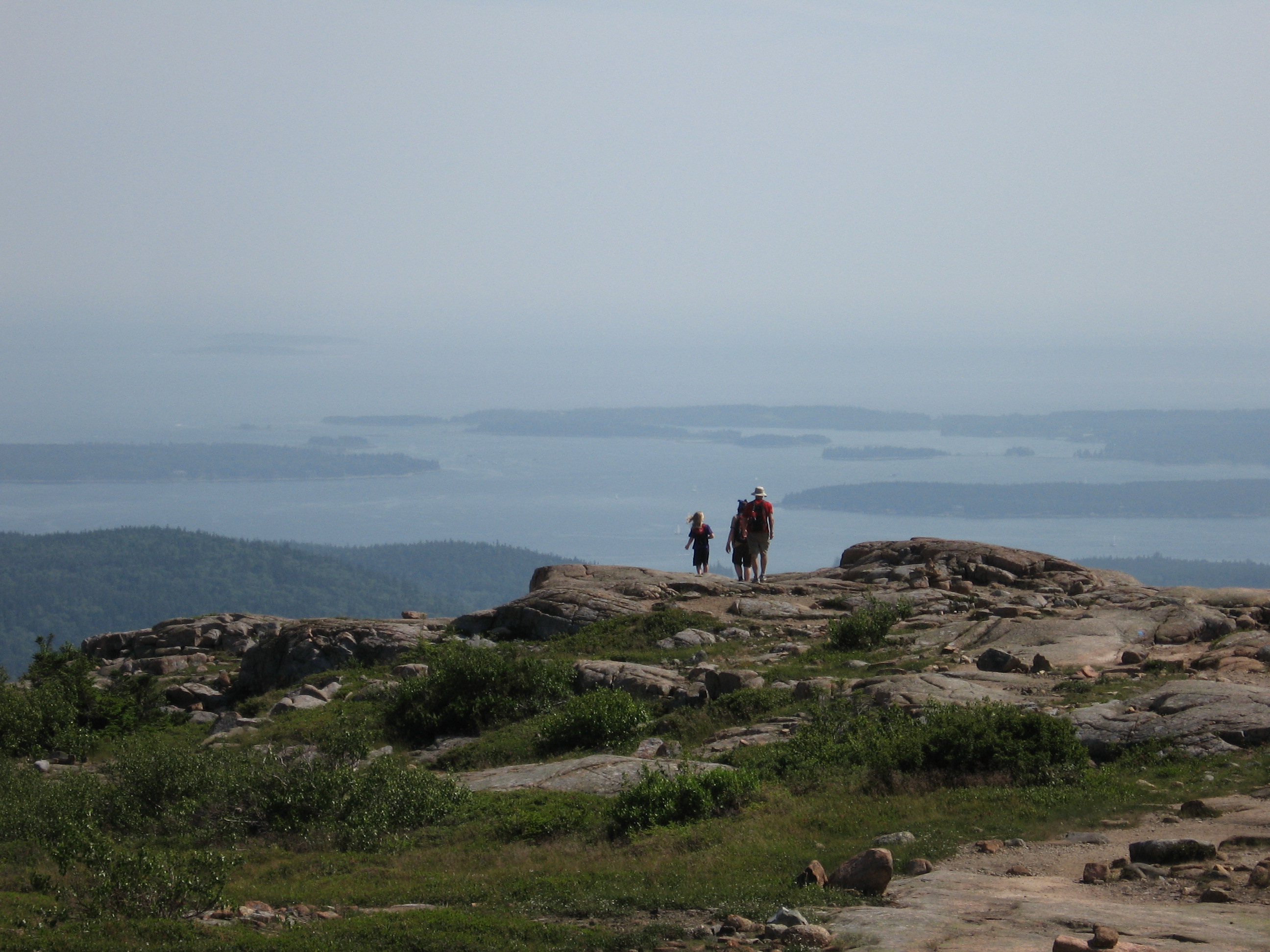
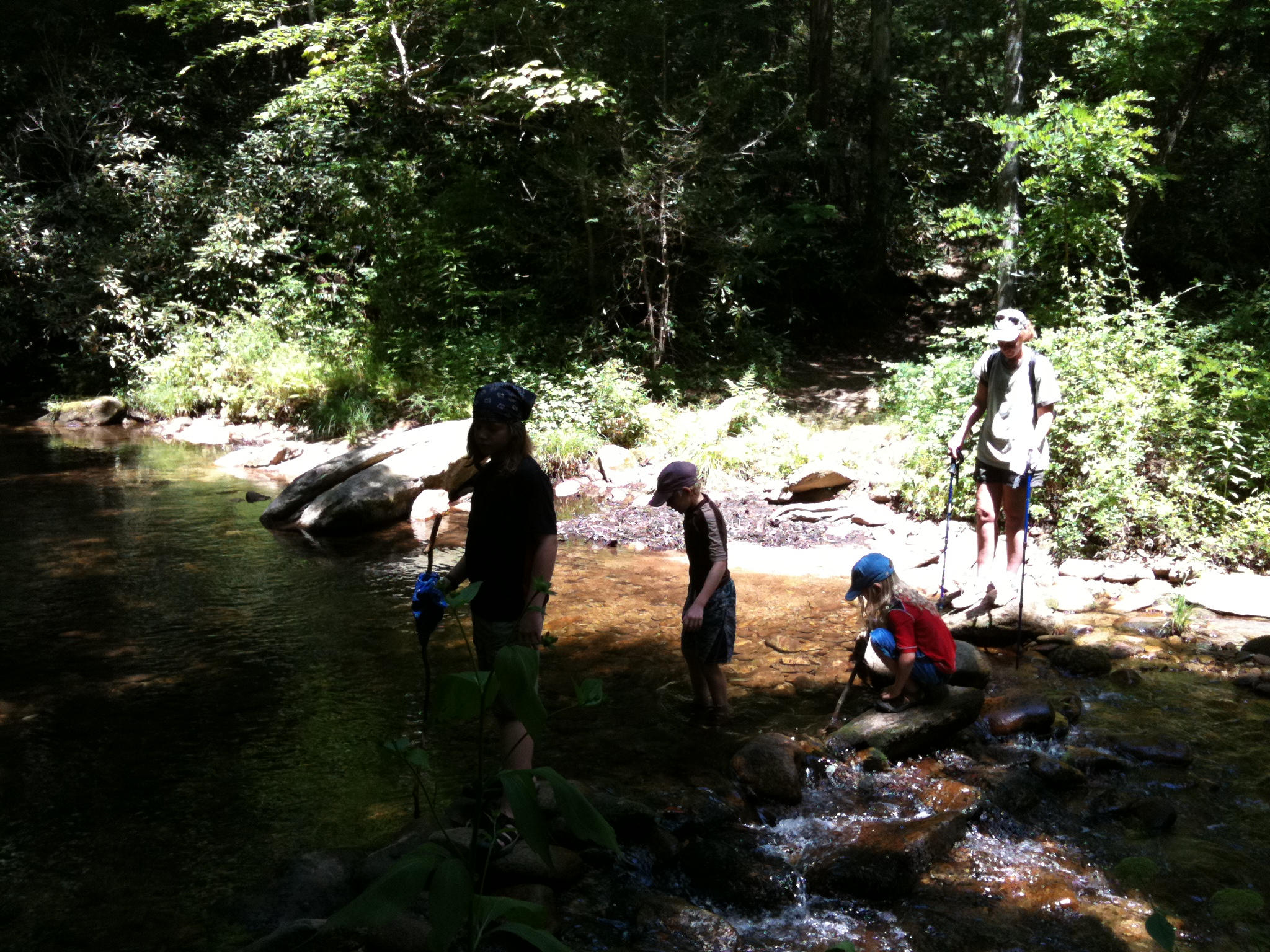
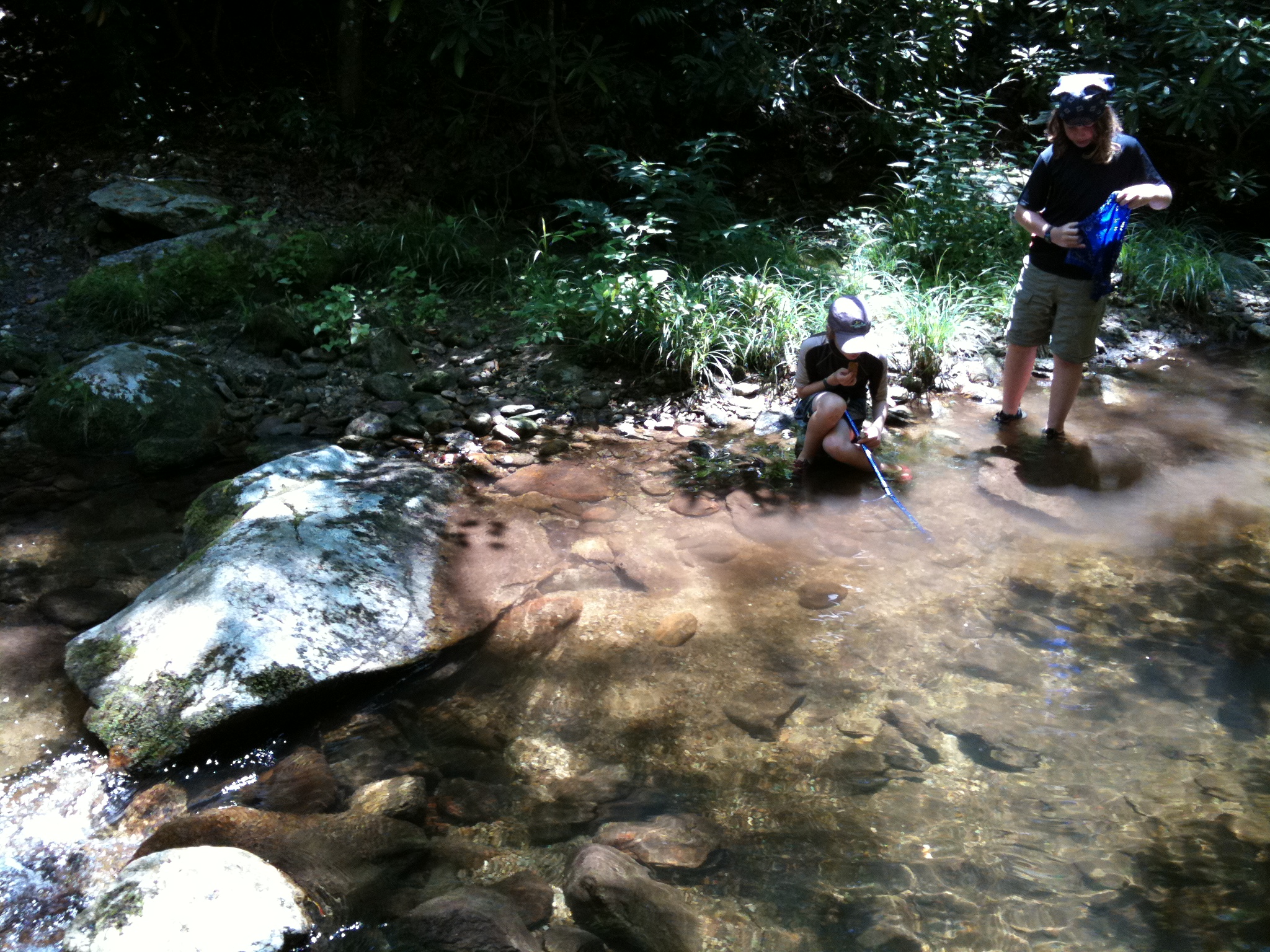
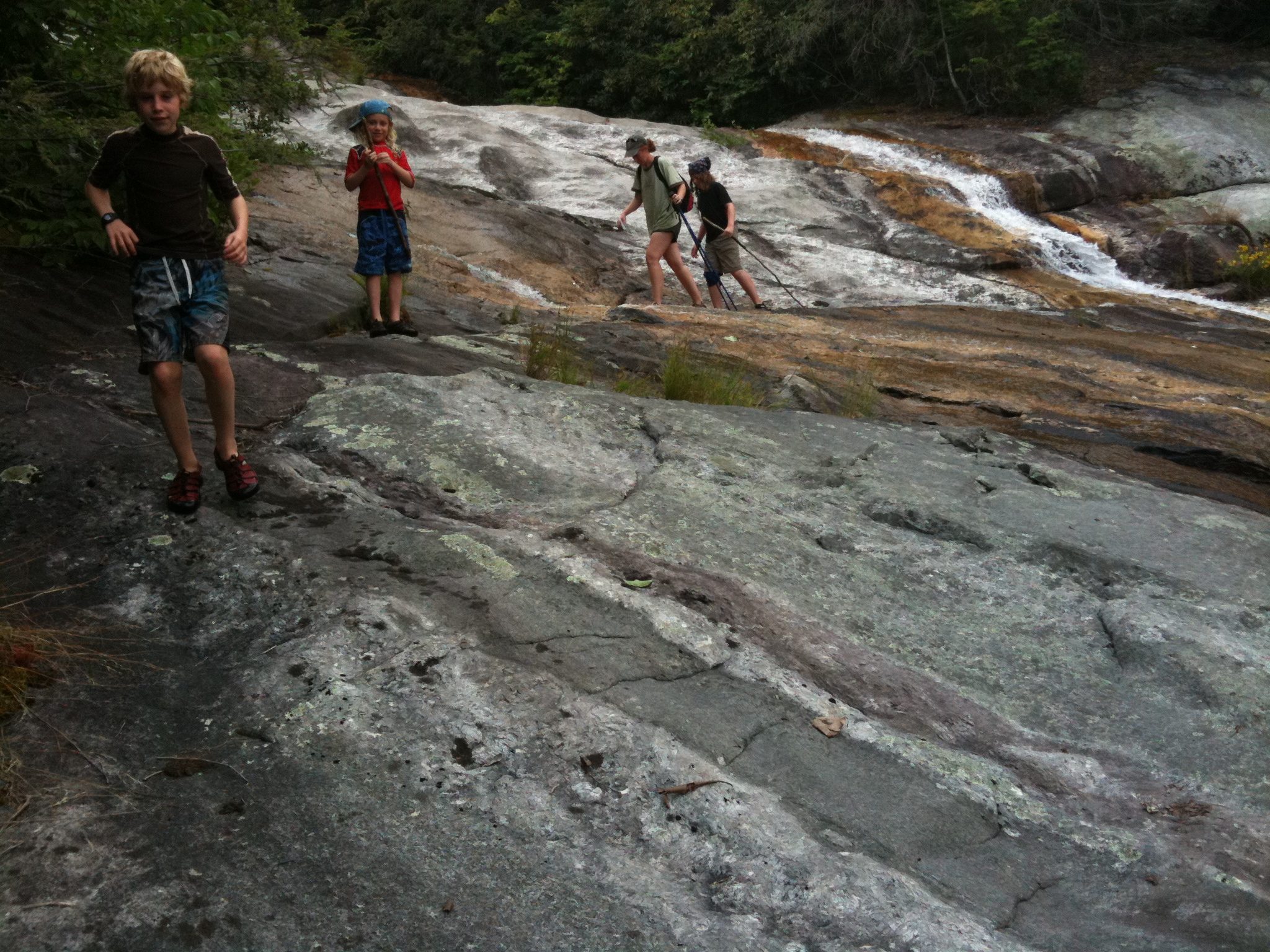
For Karen's birthday (coming up on Thursday), we took the boys and went hiking on some trails around Harper Creek in the Wilson Creek area.  We did about 6 miles, and it was a blast.  The trail included a bunch of creek crossings and Sean and Daniel had a great time looking for and catching crawfish, salamanders, and newts.  I caught a Northern Water Snake at the falls.

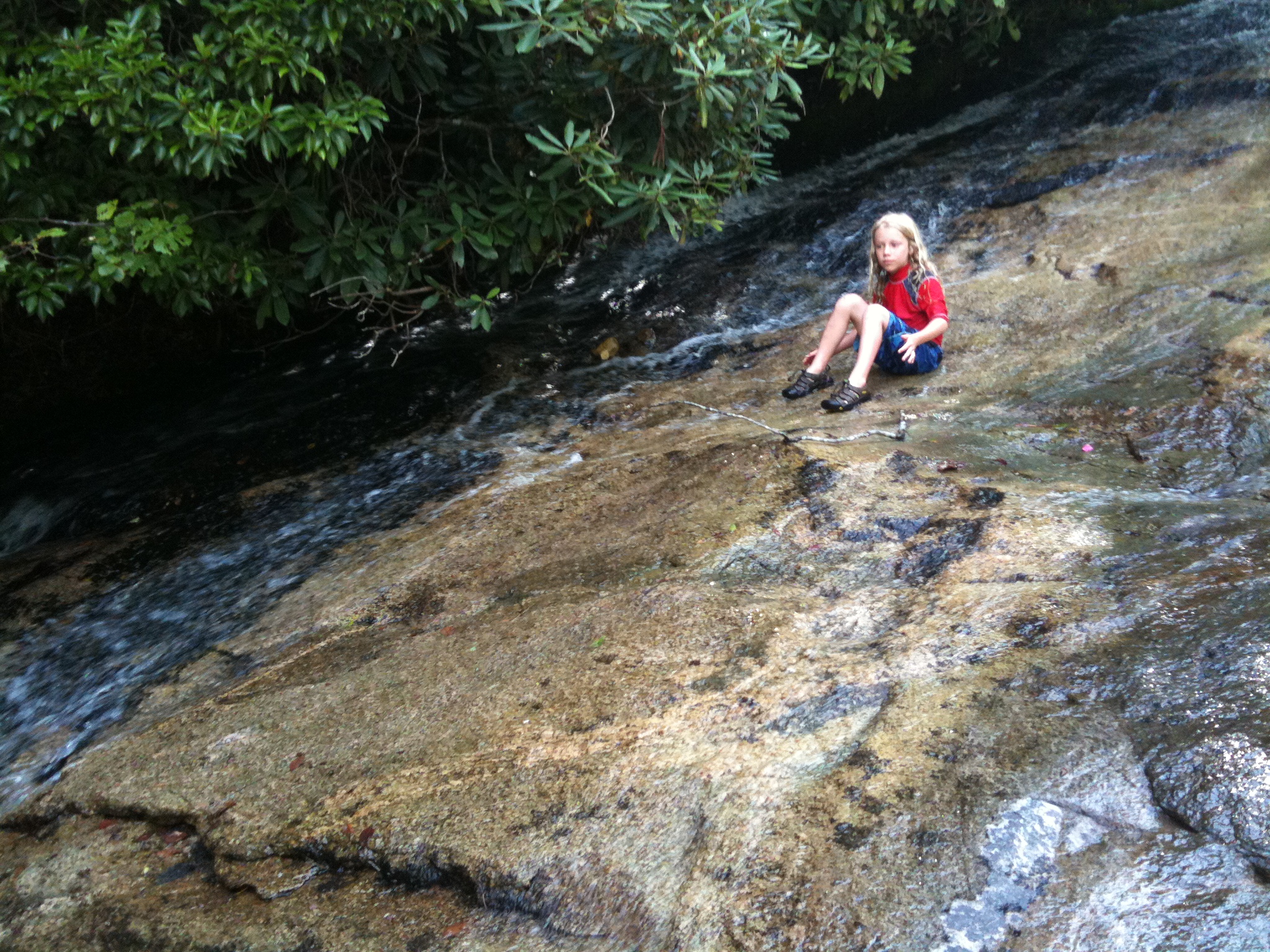
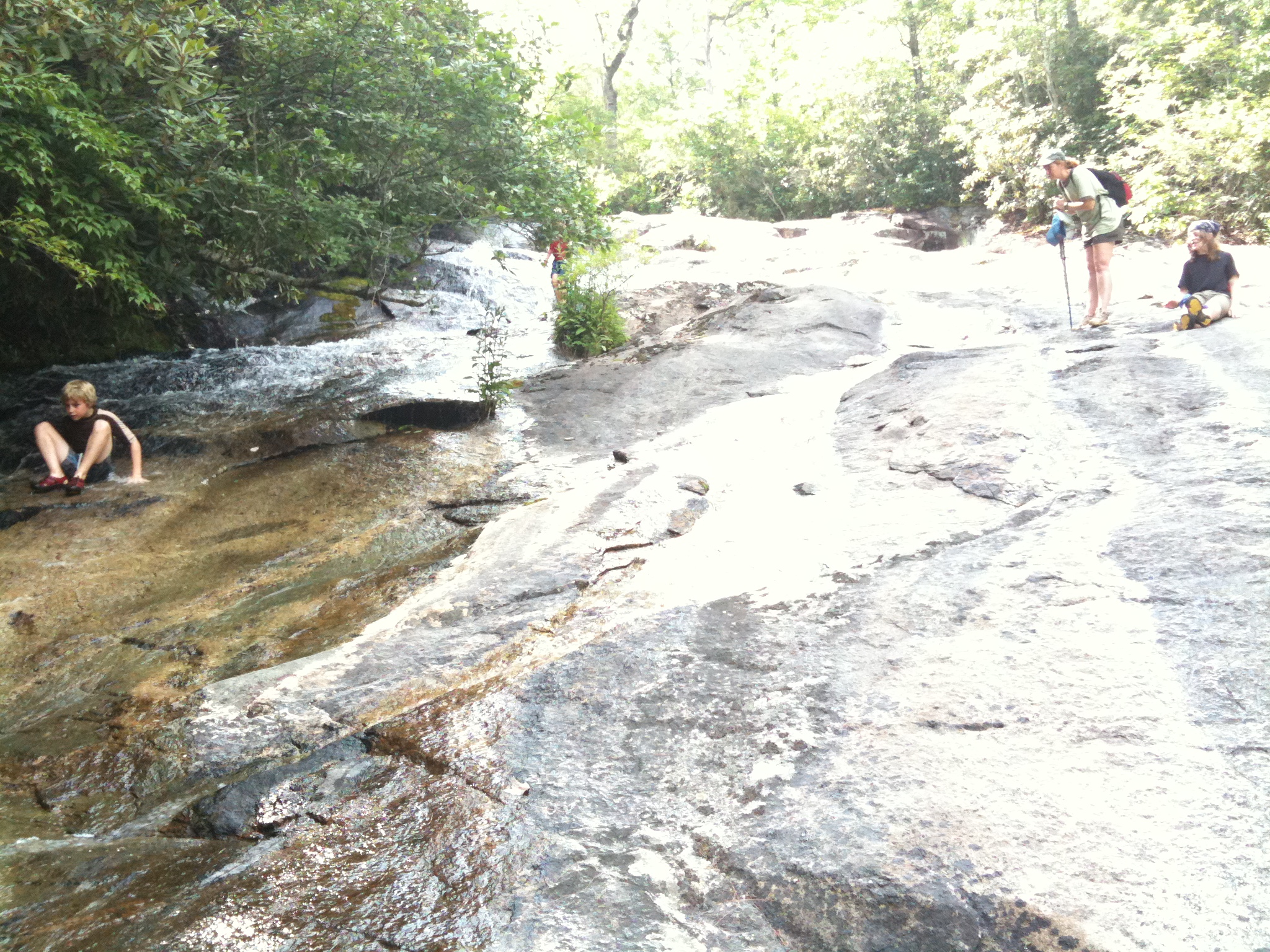
Along the way, we found some natural water slides that Daniel and Alec wanted to try.  Karen and I checked out the landing area and figured that no one would die (probably) and let them loose.  They did fine up until Daniel's final run when he caught some air, overshot the pool he was going to land in, and hit the big rocks on the far side.  He did survive, though.  Check out the video.

Pictures: 
A creek crossing.
Sean and Daniel looking for creatures.
Everyone at the top of the waterfall.
Northern Water Snake
Alec at the natural water slide.
Daniel at the natural water slide.
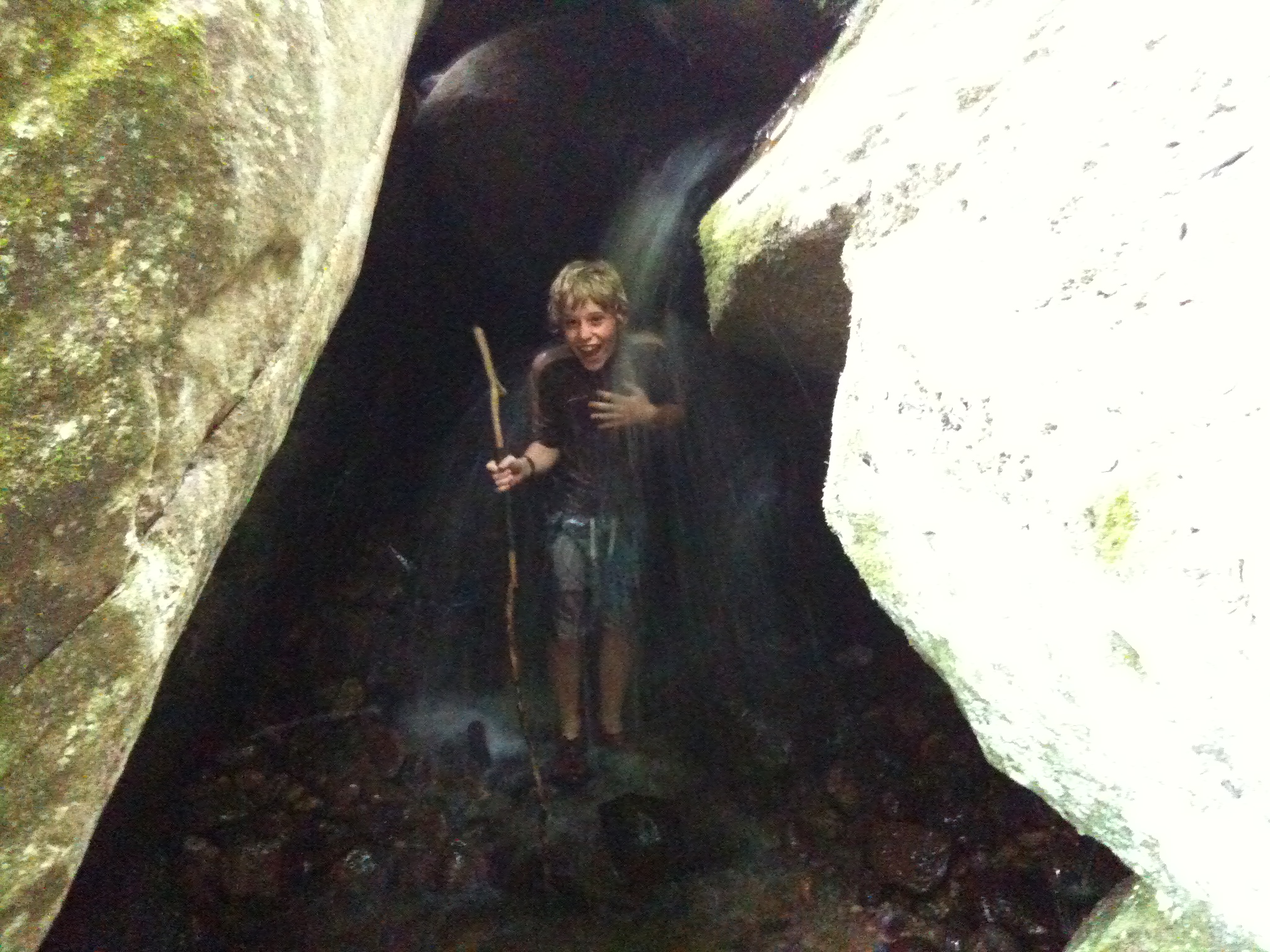
Daniel in a shower created by some big rocks along the creek.

A fix for Drupal form error messages not showing up

I was having a problem with using the Login block form on the home page.  Error messages related to the login (e.g. "Password incorrect.", etc.) were not getting dispalyed when the login failed.  They would show up only after reloading the page again. 

In my template, I had this:

<div class="content">
    <?php print drupal_get_form('user_login_block'); ?>
</div>

What I figured out was that the error messages weren't actually being generated until after the call to drupal_get_form() was made.  Because this call was inside the template, they were not set for the template to display.

The fix for this is to create a function to make the call to drupal_get_form() and grab the resulting error messages (if any).  So, in a module or in template.php, you need to create a function like this:

function THEMENAME_get_login_block() {
    $form = drupal_get_form('user_login_block');
    return theme_status_messages().$form;
}

Then, in your template, do this instead:

<div class="content">
    <?php print THEMENAME_get_login_block() ;?>
</div>

This makes sure that the error messages are set before the form and the mesages themselves are displayed.

More Firefox Finger Swipes

Some more Firefox finger swipes on the Mac:

  • Three-finger swipe up: Home key (top of the page)
  • Three-finger swipe down: End key (bottom of the page)
  • Three-finger swipe left: Browse back
  • Three-finger swipe right: Browse forward

You may need to go into about:config to set.  I didn't...

Fix for very slow Drupal Admin pages

On one of the Drupal sites I was developing, admin pages were getting (unbearably) slow-- about 30 seconds to load each page.  Using the Google, I found a couple of articles that pointed the finger at the Update Status module:

Looking at the "Recent Log Entries" report, I could see that there was an "Attempted to fetch information about all available new releases and updates" entry for each page view.  This meant that Update Status was checking the status of all my modules with each page load even though I had it set to check weekly.  That would definitely slow things down a bit!  Deactivating the "Update Status" module fixed the slowdown, but I really wanted to have that functionality.  Turning the module back on, just made the site crawl again.

What fixed it for me was deactivating the "Update Status" module then uninstalling it from the "Build -> Modules -> Uninstall" tab.  This removes all of its module-related settings from the database.  Then, when I activated "Update Status" again, all was well.


I released my first Drupal module today!

It's Contact Hide Email... I wrote this code a while back, presented it at a Drupal user group, got a Drupal CVS account, and finally got around to creating an actual release tonight.  What does it do?  Funny you should ask...

When an auto-reply is used with the standard contact form, the "From" on the auto-reply email is set to the value entered as the recipient. In some cases (e.g. email to the CEO), it wouldn't be good to reveal that email address. Using this module, you can choose to hide the recipient's email in the auto-reply. It will instead come from the default site email address. This can be set separately for each contact form category.

Enabling tabbing to select boxes in Firefox 3.5 on the Mac

After upgrading to Firefox 3.5, I could no longer use the TAB key to move to select boxes on my Mac.  I found the solution on the Mozillazine Forums:


  1. Go to "about:config"
  2. Right click to manually create an "accessibility.tabfocus" entry as an integer
  3. Set the value to 3

Worked for me.

Multi-Touch Tab Switching in Firefox 3.5

This is pretty cool-- you can enable Multi-Touch Tab Switching in Firefox 3.5.  On a Mac, this lets you switch between tabs by making a sorta twisting motion with your fingers on the touchpad. 


First!

I'm starting this blog to have one place where I can post various "stuff" that I want to share.  We'll see how it goes...